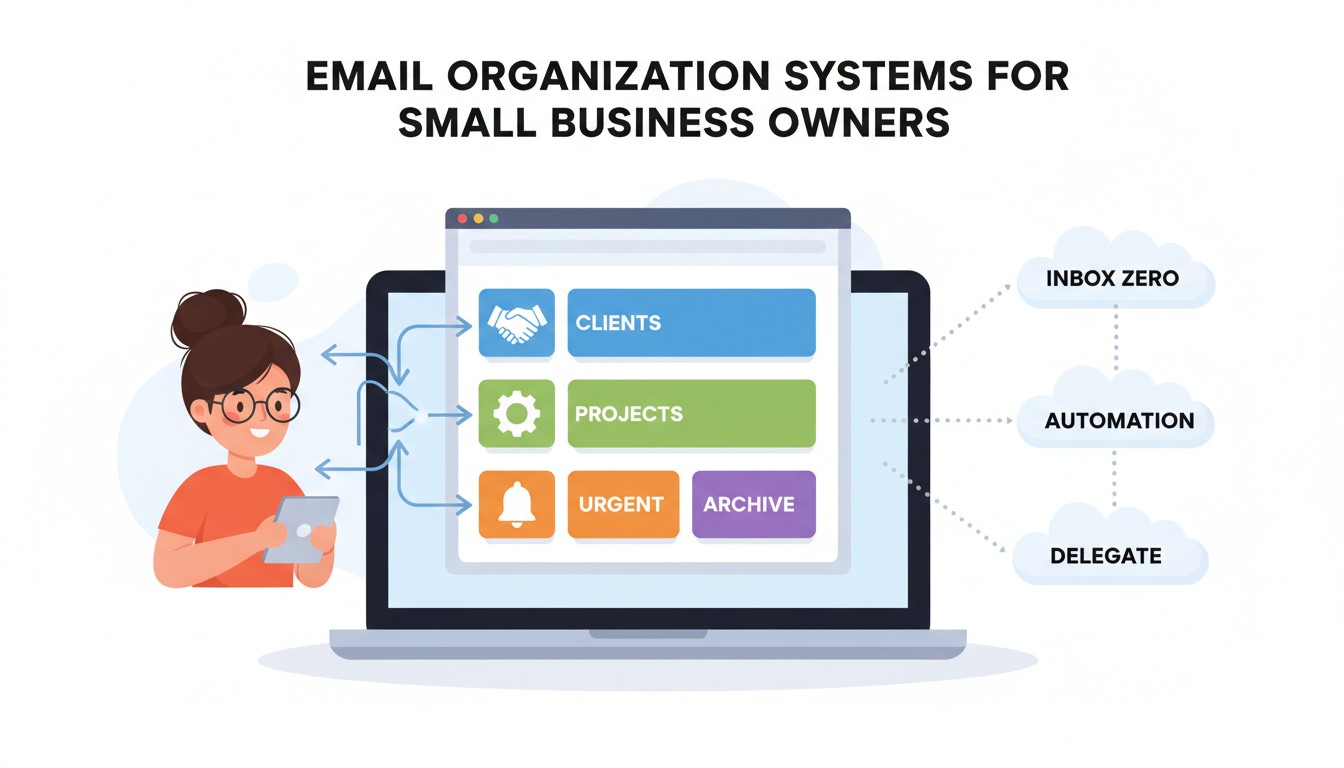
The decision that determines whether your small business operates like a well-oiled machine or a firefighting circus isn’t made in your strategic planning session—it’s made in the thousands of micro-decisions your team makes about which emails to open, which to ignore, and which to follow up on. Email organization systems in 2026 aren’t about achieving “inbox zero” bragging rights; they’re about building a revenue protection moat around every message that matters. Yet research from productivity studies shows small business employees waste 28% of their workweek on email management, and 54% have missed business-critical messages due to inbox chaos, directly impacting customer retention and revenue capture.
This organizational gap creates a dangerous paradox: the easiest productivity win delivers the highest ROI, yet receives the least strategic investment. While you pour budget into CRM software and project management tools, your team inboxes—the central nervous system of customer communication—operate like cluttered junk drawers, hemorrhaging opportunities while you search for the digital equivalent of a missing sock. Understanding how to build email organization systems that serve your business model transforms you from a reactive message processor into a proactive revenue guardian.
The Invisible Architecture: How Email Chaos Destroys Value
Every aspect of your customer experience rests on a foundation of email signals. The speed of your quote responses, the consistency of your follow-ups, the visibility of urgent requests—these aren’t random occurrences but direct outcomes of your email organization system. Productivity experts call this “inbox hygiene,” but it’s more accurately a revenue containment system that determines whether opportunities flow through or leak out.
Consider something as mundane as your sales team’s response time to inbound leads. A prospect emails three competitors on Tuesday morning. One company has a shared inbox system where the message is automatically assigned, tagged “Hot Lead,” and triggers a 2-hour SLA alert. Your company’s rep sees it buried under 143 other messages, responds Friday afternoon, and wonders why they lost the deal. That 84-hour delay didn’t just cost one sale—it taught that prospect that you’re slow, reducing future referral probability by 70% according to sales cycle research.
Customer service email handling creates similar invisible impacts. A support request from a $2,000/month client gets routed to your general info@ address. It’s forwarded three times internally, each person adding “FYI” but no one taking ownership. The client waits 5 days, gets frustrated, and posts a negative review mentioning “terrible customer service.” That review costs you three future prospects who specifically searched “company reviews” before buying. The total damage? $8,000+ from one poorly organized email thread.
The Email Value Hierarchy: What Actually Drives Revenue
Critical Messages: Sales inquiries, customer escalations, partnership opportunities, payment issues
Secondary Messages: Vendor communications, internal project updates, meeting coordination
Tertiary Messages: Newsletters, industry updates, general FYI communications
Toxic Messages: Spam, irrelevant CCs, promotional emails not filtered to folders
The Psychology of Email Chaos: Why Smart Teams Work Dumb
If email organization is so critical, why do brilliant teams consistently operate in inbox anarchy? The answer lies in a combination of decision fatigue, tool overwhelm, and misaligned incentives that train behavior toward reactive firefighting rather than systematic prevention.
The Hero Complex: We Reward Firefighters, Not Fire Marshals
When a team member “saves the day” by catching an urgent email that was about to slip through, they get praise. No one celebrates the person who built a system that prevented that email from nearly slipping through in the first place. This creates a perverse incentive where heroic email rescues are valued over boring-but-effective email organization.
Leaders reinforce this bias. “Great catch on that client email!” is easier to say than “I appreciate that you spent three hours creating email rules that make catches unnecessary.” The result is a culture where email heroics become the norm, and systemic fixes are deprioritized as “nice-to-have” projects that never get funded.
The Tool Paradox: More Apps, More Problems
Small businesses average 8.7 different communication tools, according to software usage research. Each tool promises to solve email chaos, but the fragmentation creates new problems. The sales email lives in HubSpot, the support ticket in Zendesk, the internal discussion in Slack, the vendor email in Gmail. No single person has visibility into the complete customer conversation arc.
This tool sprawl serves as a gatekeeping mechanism. It forces team members to become software archaeologists, digging through multiple platforms to piece together context. The real solution isn’t more tools—it’s a cohesive system that makes your primary inbox the command center, with everything else feeding into it intelligently.
The Busyness Badge: Email as Performance Theater
Having 2,341 unread emails has become a twisted status symbol. “I’m so busy” is validated by inbox chaos. An organized inbox feels like you’re not working hard enough. This psychological barrier prevents leaders from implementing systems that would actually reduce their team’s cognitive load and increase revenue.
The truth is inverse. A Stanford study found that employees with organized email systems spend 72% less time on email and generate 23% more revenue-generating activities. But that productivity doesn’t look like frantic multitasking—it looks like calm, focused work, which our hustle culture brainwashes us to view as laziness.
Real-World Impact: Businesses That Fixed Their Email Systems
These case studies demonstrate how implementing email organization systems transformed operational efficiency and revenue capture for small businesses across different industries.
The Marketing Agency That Stopped Losing Proposals
A 12-person digital marketing agency was losing 30% of RFPs because their sales director, overwhelmed with 200+ daily emails, consistently responded 3-5 days late. The director insisted they needed a bigger sales team. Instead, they implemented a shared inbox system using Help Scout ($55/month), created rules to auto-tag “RFP” in subject lines, and set up automated responses with timeline expectations. Within 60 days, their RFP response time dropped to 4 hours average. Their win rate increased from 18% to 31%, generating an additional $340,000 in annual revenue. The “sales problem” was actually an email organization problem costing them $28,000/month.
The E-commerce Store That Recovered Abandoned Carts with AI
A Shopify store owner was manually sending abandoned cart emails, managing to follow up on only 30% of cases due to inbox volume. They integrated Shopify Email with AI-powered rules that automatically segmented cart abandoners by value (> $100 vs. < $100) and triggered personalized sequences. High-value carts received a 2-email sequence with a 10% discount; low-value carts got a single reminder. The system ran autonomously. Within 90 days, their recovery rate jumped from 8% to 22%, adding $18,000 monthly revenue. The owner reclaimed 15 hours/week previously spent on manual email sorting.
The Law Firm That Prevented a Malpractice Claim
A three-lawyer firm nearly missed a court filing deadline because a critical email from opposing counsel landed in a partner’s “Updates” tab in Gmail and wasn’t seen for 11 days. They implemented a rule-based system using Gmail + Google Workspace where any email containing “court,” “filing,” “deadline,” or “motion” was automatically starred, labeled “URGENT,” and forwarded to a shared case management inbox. Six months later, a similar email arrived on a Friday before a holiday weekend. The system flagged it immediately, the partner saw it on their phone, and they filed with 48 hours to spare. The avoided malpractice claim could have cost $150,000+ in damages and reputation loss.
The Multiplier Effect: How Small Email Rules Create Big Protection
Email organization isn’t about perfect filing—it’s about building automated shields that protect revenue while you sleep. The multiplier effect explains why a 20-minute investment in rules can return 15 hours of productivity weekly.
Consider a simple rule: Any email containing “invoice” or “payment” gets auto-labeled “FINANCE,” forwarded to a shared AP inbox, and skips the main inbox. Initially, it seems minor—just sorting. But the cascade begins: your bookkeeper sees invoices immediately, not buried under marketing emails. Payment processing accelerates from 14 days to 4 days. You capture early payment discounts of 2% on $50,000 monthly spend—that’s $1,000 saved monthly. Vendors notice your reliability and prioritize your orders. When supply chain constraints hit, your reputation as a fast payer gets you inventory while competitors wait. One rule, exponential returns.
The reverse cascade is more common. No rules mean every email demands manual attention. Decision fatigue sets in by 11 AM. Important messages get the same mental energy as spam. By 3 PM, your team is defaulting to “mark as unread” as a to-do list, creating a monster that grows 143 messages deep. Small neglect, systemic paralysis.
The Compound Effect of Consistency
Email systems reward consistency. A business that processes emails at 10 AM and 4 PM daily, using a defined triage system (delete, delegate, do, defer), trains customers to expect timely responses. After 30 days, email volume drops 23% because customers stop sending “just checking in” follow-ups—they trust you’ll respond. After 90 days, your team’s average response time becomes a competitive advantage mentioned in reviews. You’ve earned the benefit of the algorithmic doubt. Your emails get opened faster. Your proposals get priority. You’ve become the vendor who “always responds quickly,” a moat no competitor can cross without systemic change.
The Protection Cascade in Action
Initial Rule: Auto-label “FINANCE” for invoices, forward to AP@, skip inbox
Direct Result: Payment processing drops from 14 days to 4 days
Secondary Effect: Capture 2% early pay discount on $50K/month = $1,000 saved
Tertiary Effect: Vendors prioritize your orders during supply shortages
Quaternary Effect: Reputation as reliable payer becomes competitive moat
Practical Playbook: Your 90-Day Email Organization Transformation
Understanding email systems is useless without execution. Here’s a concrete plan to move from chaos to protected revenue flows.
Weeks 1-2: The Email Audit & Foundation
1. **Audit your current email state:** How many messages in your inbox? What’s your average response time? How many folders/labels exist?
2. **Identify critical email types:** Sales inquiries, customer support, vendor communications, internal project updates, finance/payment
3. **Choose your core tool:** If under 5 people, start with Gmail/Google Workspace + rules. If over 5, evaluate shared inbox tools like Front or Help Scout
4. **Set up your first 3 rules:** Auto-label “INVOICE,” “SALES,” and “SUPPORT” based on sender or keywords
5. **Create a processing schedule:** Commit to processing email at 10 AM and 4 PM only—no constant checking
Weeks 3-6: The System Build
1. **Implement the 4D Triage System:** For every email: Delete, Delegate, Do (if <2 min), Defer (to scheduled task time)
2. **Build email templates:** Create 5-10 templates for your most common responses (pricing, support FAQs, meeting requests)
3. **Set up shared inboxes:** If team-based, create shared@ for customer-facing roles with automated assignment rules
4. **Use a CRM integration:** Connect your email to a simple CRM like BIGContacts ($9.99/month) to auto-link messages to customer records
5. **Install an email tracking tool:** Know when critical emails are opened; follow up strategically, not blindly
Weeks 7-12: The Optimization & Scale
1. **Review your metrics:** Has response time improved? Are fewer critical emails slipping through? Has team email time decreased?
2. **Double down on what works:** Add more rules for your highest-volume email types. Refine templates based on response rates
3. **Automate follow-ups:** Set up sequences for sales leads, post-purchase check-ins, and late payment reminders
4. **Train the team:** Document your system in a 1-page playbook. New hires adopt it day one
5. **Quarterly review:** Customer needs evolve. Your email system should too. Adjust rules and processes every 90 days
Your Inbox Is Either a Revenue Engine or a Revenue Leak
The email organization system you’re avoiding isn’t a productivity hack—it’s the financial control tower for your business. Every competitor who responds faster to leads, follows up more consistently, and never misses critical messages isn’t working harder. They’re working with systems that protect revenue while you work with chaos that leaks it.
Your power to capture every opportunity doesn’t require a bigger team or more hours. It requires one decision: to treat email like the business-critical system it is, not the digital junk drawer you’ve allowed it to become. The customer is emailing whether you’re ready or not. The vendor is invoicing whether you’ll see it or not. The lead is choosing whether you’ll respond in time or not.
Start today. Pick one rule. Set it up in 20 minutes. Your email transformation begins with a single automated filter that tells the world—and your next customer—that you’re organized, responsive, and ready for business.